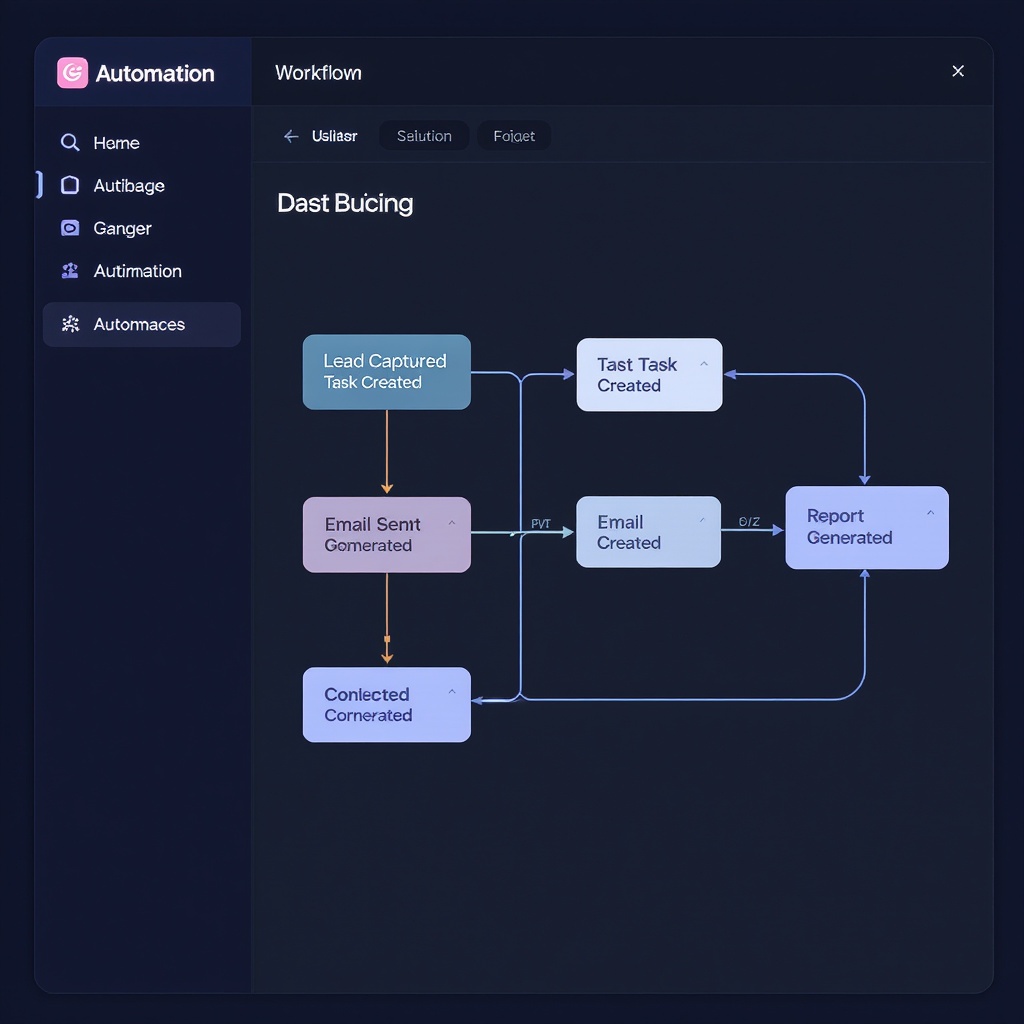
6-step Make.com automation that runs your entire client onboarding end-to-end — from intake form to scheduled kickoff call — without you lifting a finger.
The automation fires when a new client submits your intake form. Any form tool that supports webhooks works — no coding required.
Send a personalized welcome email immediately after form submission. Includes their name, your agency intro, the kickoff call link, and an onboarding PDF.
Automatically create a structured task in your project management tool. Pre-fill the client name, company, and service type from the intake form data.
Wait 2 hours after the welcome email, then send a document collection request. Include a direct Dropbox/Google Drive upload link and a clear list of the files you need.
Include your Calendly link in the welcome email so clients can self-schedule their kickoff call. Set up a dedicated "Project Kickoff Call" event type for this.
After 5 business days, check whether documents were received. If yes, move the task to "Active" status. If no, send a friendly reminder email automatically.
Clients receive a welcome email within 60 seconds of submitting the intake form
No onboarding task is ever missed — created automatically every time
Clients self-schedule kickoff calls without any back-and-forth email
Document collection starts immediately with zero manual follow-up
Each step is mapped to a specific Make.com module and action. You import the scenario file, connect your tools, and it's live — no coding required.
Requires a Make.com account (free plan works for setup & testing). Paid plans from $9/mo for production use.
6-step workflow + setup guide + commercial resell rights. Works with your existing Make.com, Gmail, ClickUp, and Calendly accounts.